Resume templates for Google Docs™
Each one comes with a matching cover letter and references page. Copy any file to your Drive in two clicks.
- No sign-up or email
- US Letter and A4
- Google Docs and Word
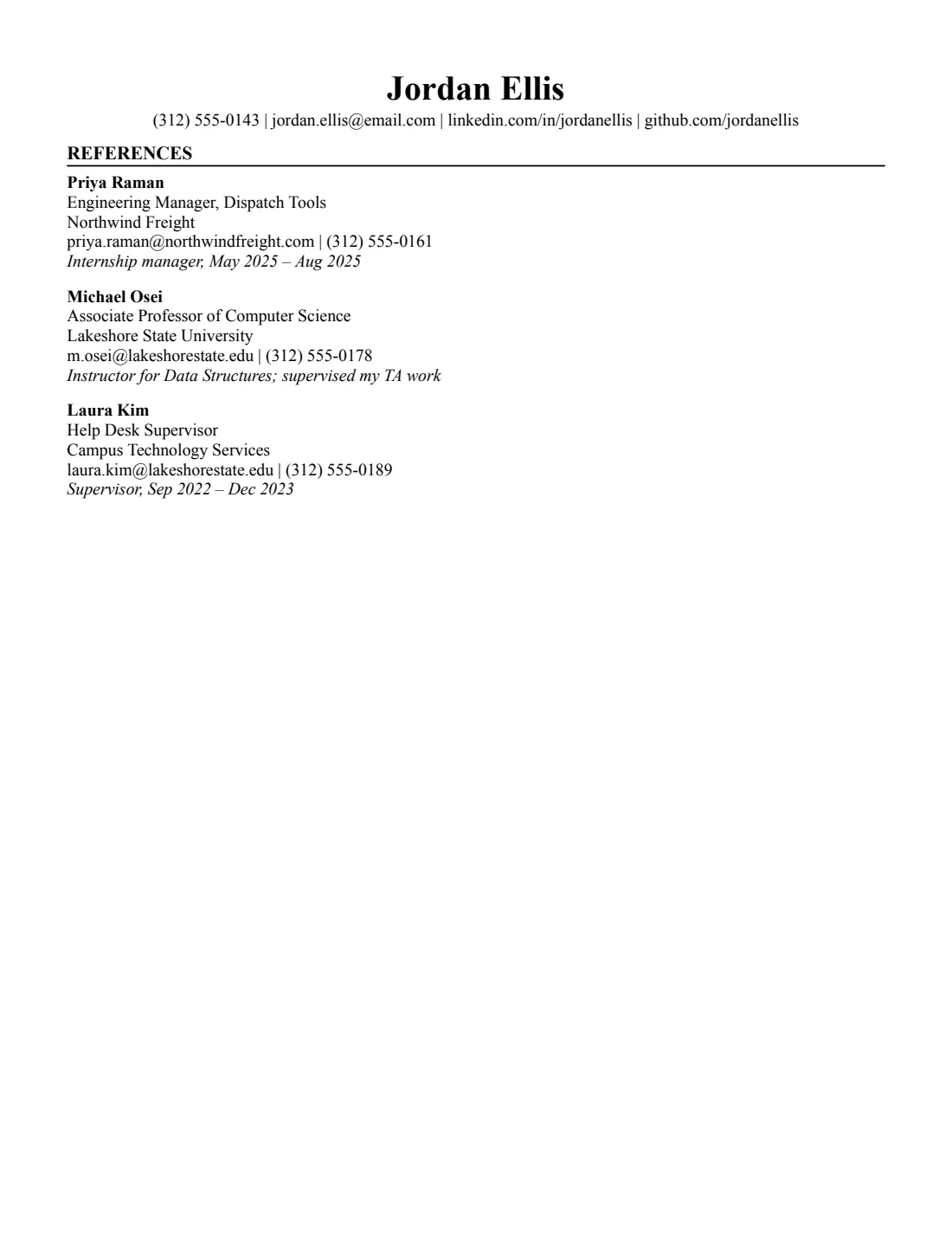
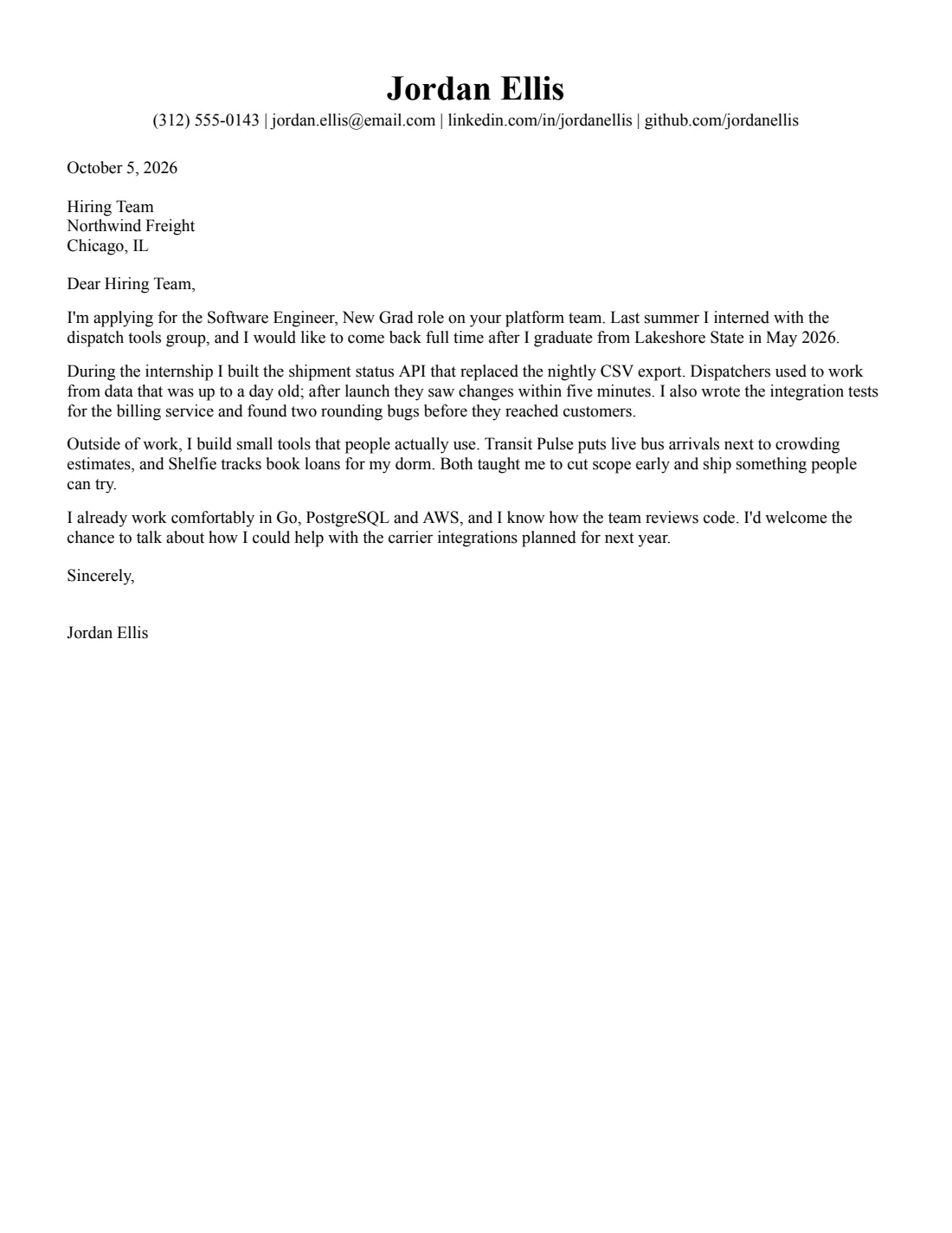
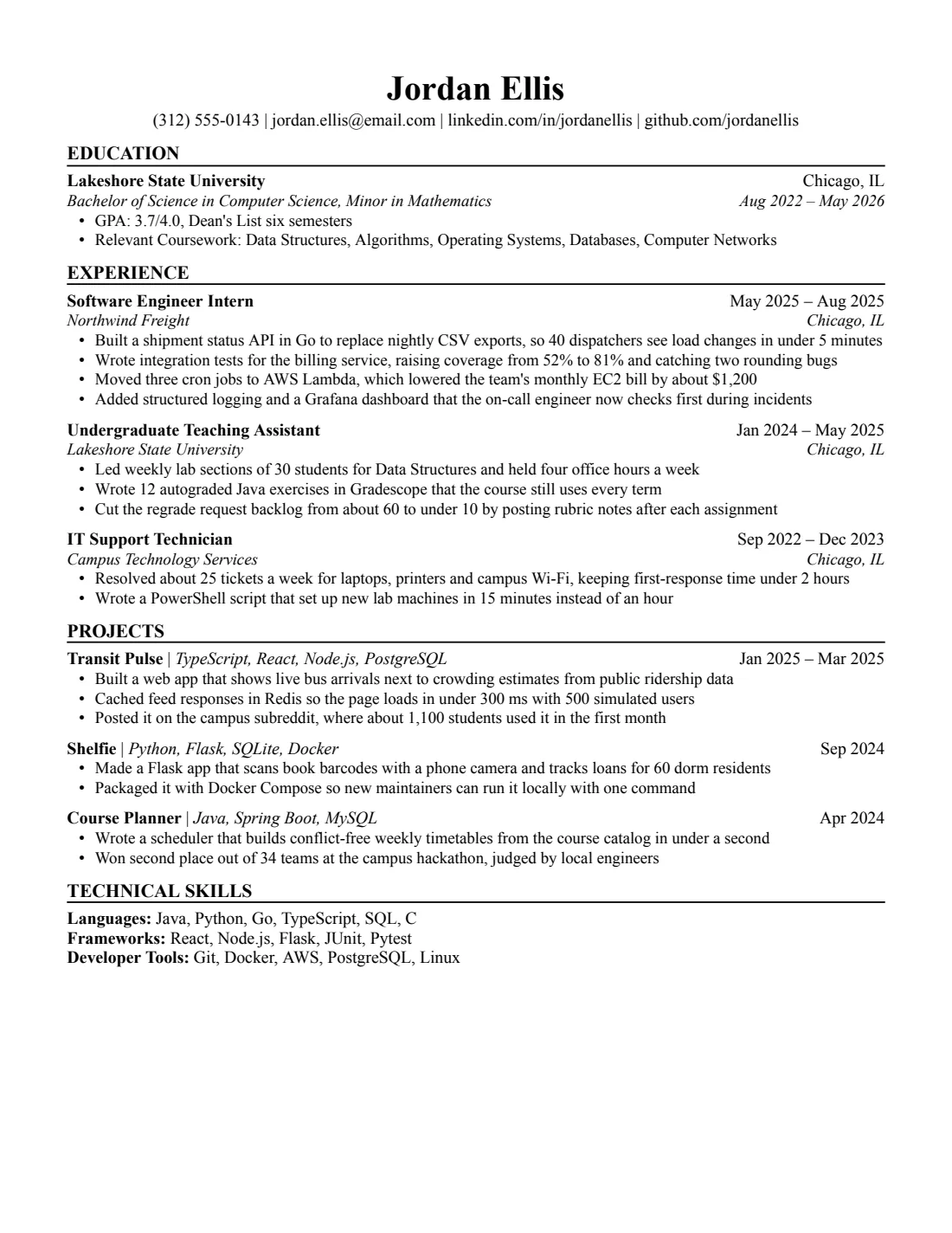
Pick a template
Eight layouts, all one column and parser-tested. Click one to see every file.
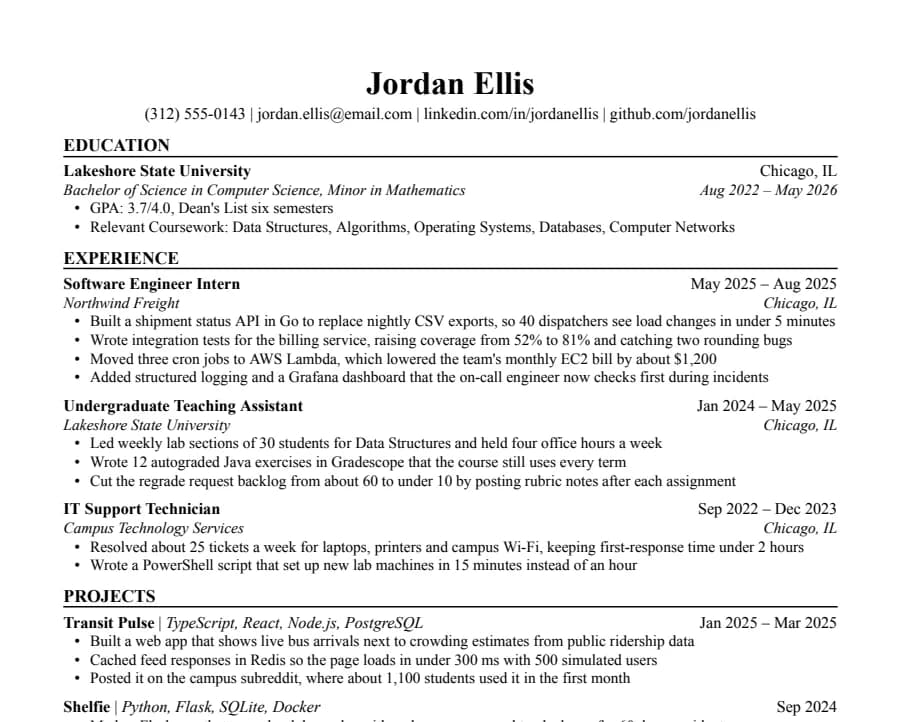
Jake's
46/46 fields readThe Jake's Resume layout rebuilt for Google Docs and Word. Dense, centered, made for tech internships and new-grad roles.
- 1 page
- Letter + A4
- Docs + Word
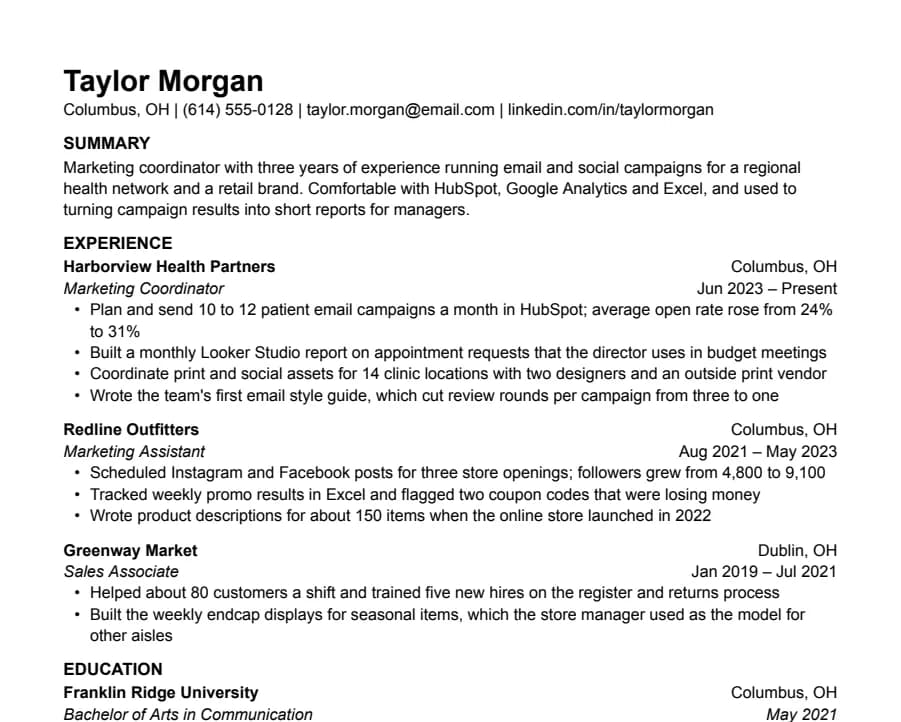
Plain
33/33 fields readNothing but text, left-aligned, in Arial. A safe default for any job when you don't want the layout to be noticed.
- 1 page
- Letter + A4
- Docs + Word
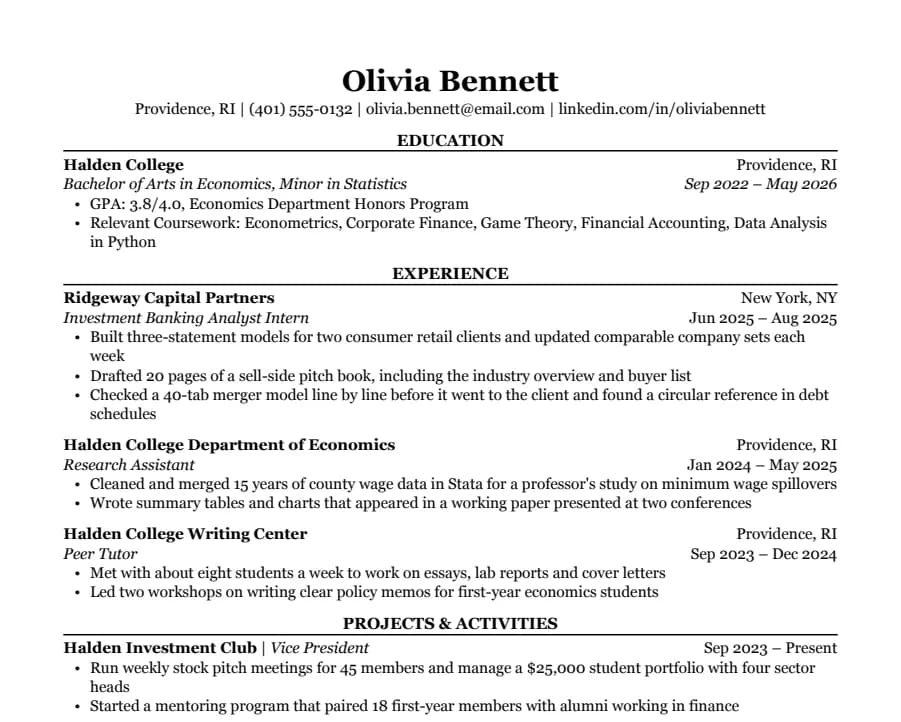
Classic
38/38 fields readSerif type, centered headings and education first. The look many university career offices recommend for finance, law and consulting.
- 1 page
- Letter + A4
- Docs + Word
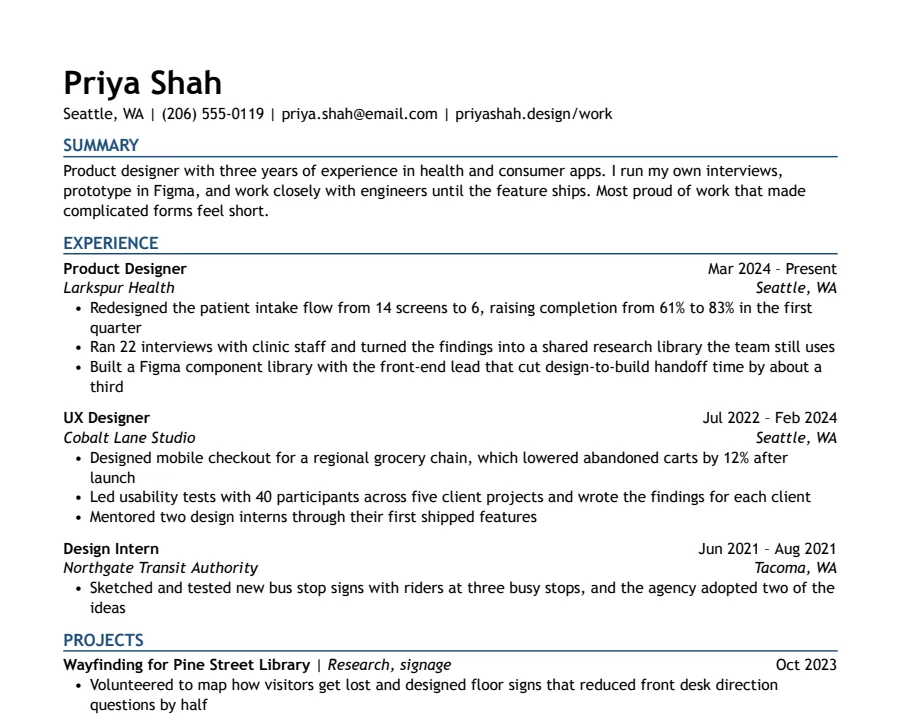
Modern Accent
35/35 fields readOne ink-blue accent on headings and rules, with a summary up top. Clean enough for any parser, with a little more personality.
- 1 page
- Letter + A4
- Docs + Word
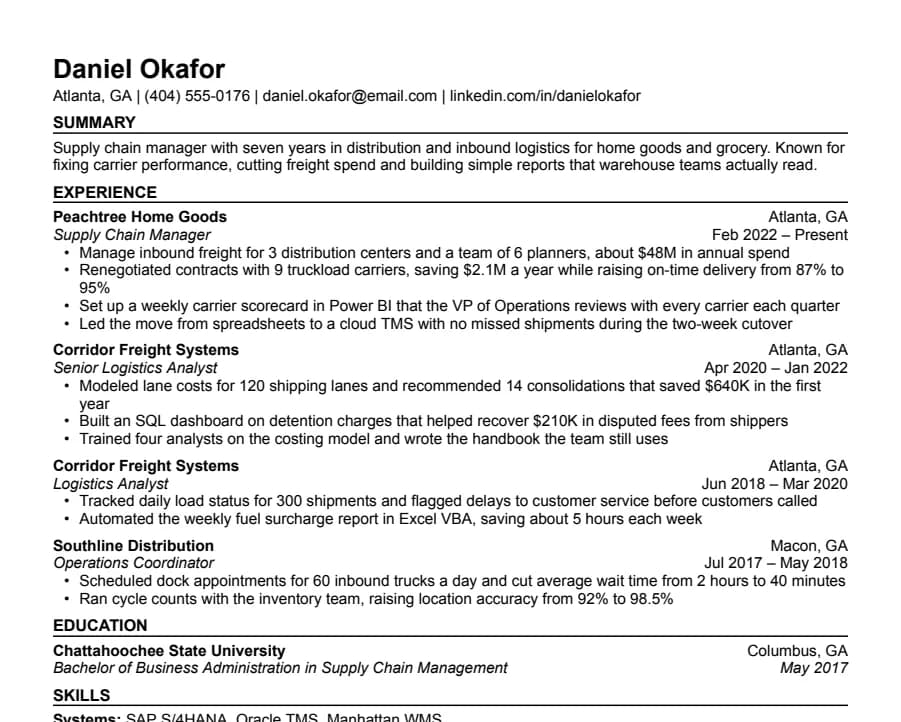
Compact
36/36 fields readHalf-inch margins and tight spacing for people with more experience than one page normally holds.
- 1 page
- Letter + A4
- Docs + Word
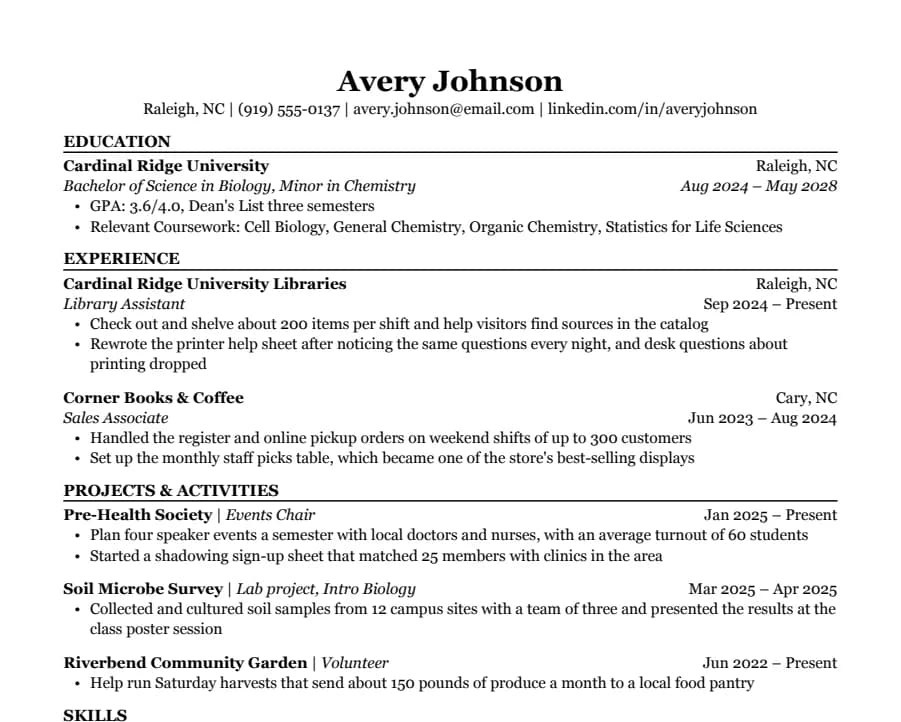
Student
35/35 fields readEducation first, then part-time jobs and a section for clubs, volunteering and class projects. Made for a first internship.
- 1 page
- Letter + A4
- Docs + Word
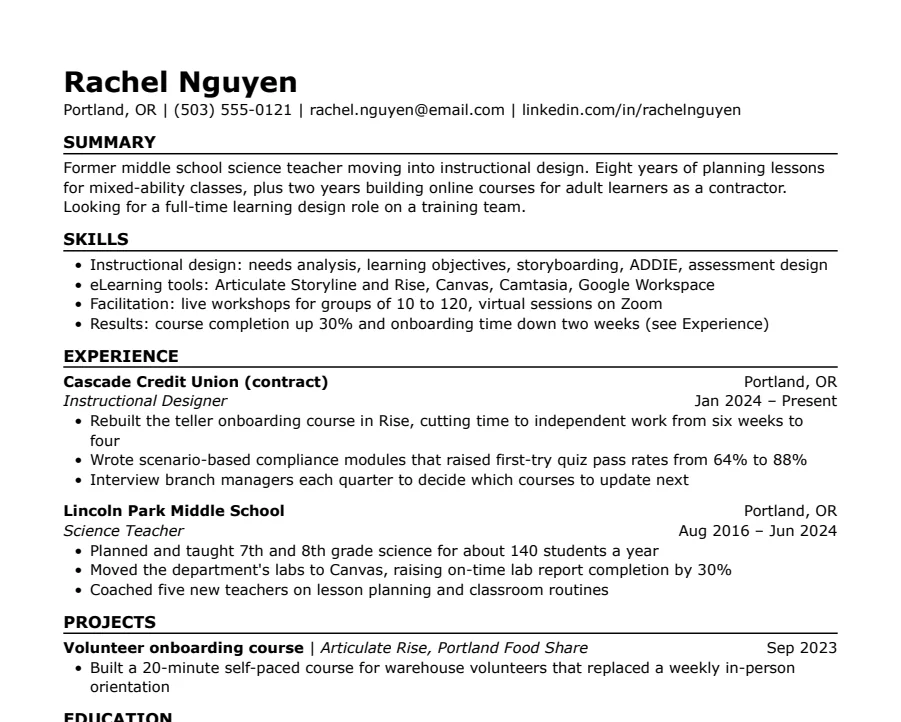
Skills-first
33/33 fields readSummary and skills come before work history. Useful when you're changing careers or coming back after a gap.
- 1 page
- Letter + A4
- Docs + Word
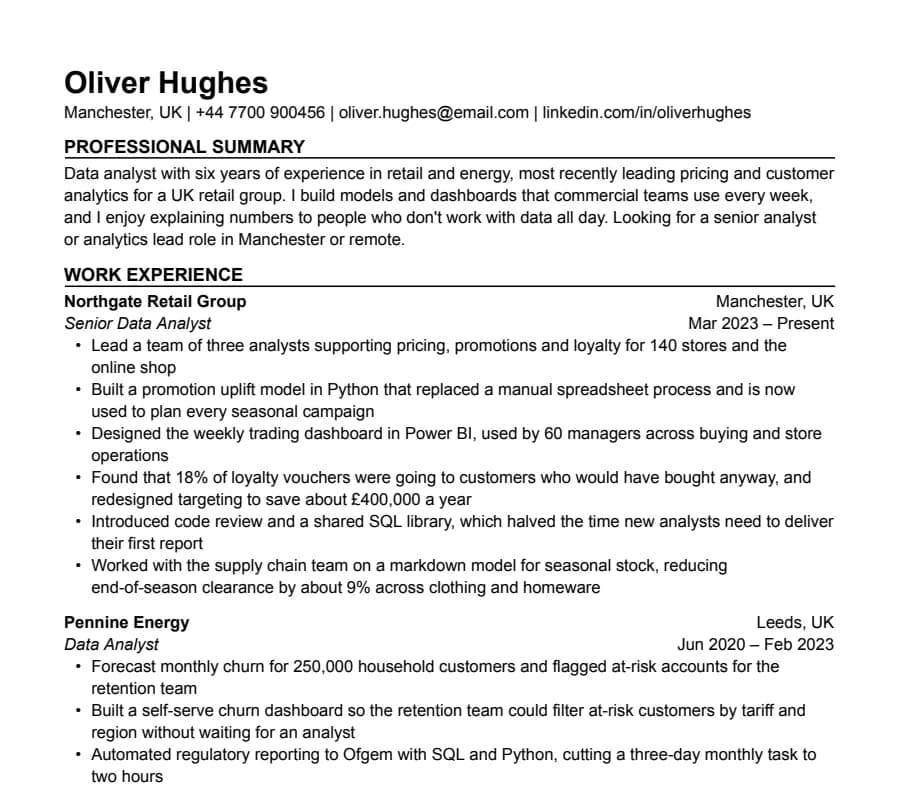
International CV
63/63 fields readA4, no photo, a professional summary at the top and room for two pages. Written the way UK and European employers expect a CV.
- Up to 2 pages
- Letter + A4
- Docs + Word
We show you what a parser reads
Every sample is exported from Google Docs and read by an open-source parser.
What OpenResume read
46/46 fields
- Name
- Jordan Ellis
- jordan.ellis@email.com
- Phone
- (312) 555-0143
- Link
- linkedin.com/in/jordanellis
- Job 1 title
- Software Engineer Intern
- Job 1 company
- Northwind Freight
- Job 1 dates
- May 2025 – Aug 2025
- School 1
- Lakeshore State University
- School 1 degree
- Bachelor of Science in Computer Science, Minor in Mathematics
It isn't a score and it won't predict Workday. It catches what scrambles resumes: tables, columns, text in headers, bullets that turn into odd symbols. How we test
What you get with every template
- A matching set
- Resume, cover letter and references page in the same fonts and spacing, each in US Letter and A4.
- Google Docs and Word
- The original Google Doc to copy, plus a .docx exported from it. We check that headings and bullets survive.
- Nothing in the way
- No account, no email, no ad page between you and the file, and no credit line to keep.
Guides
Short answers to the questions that come up while you edit.
Export to PDF and Word
Which download path keeps the text readable, and how to get a .docx without breaking it.
Keep it to one page
When one page matters, and the order of edits that gets you back there in Google Docs.
Resume fonts
Fonts that look the same in Google Docs, Word and the PDF a recruiter opens.
Questions
- Did Google Docs remove its resume templates?
- No. Google Docs still has a small template gallery (File > New > From template). These are separate templates with cover letters and references pages that match, plus A4 versions.
- How does copying work?
- Pick the file and paper size, then click Copy to Google Docs. Google shows its own Copy document screen; click Make a copy and the file is in your Drive. You need to be signed in to Google.
- Do I need an account here?
- No. There's nothing to sign up for, and we never ask for your email to get a template.
- Can I use these for clients?
- You can send our links to anyone. Using the templates to deliver resumes to paying clients needs a coach license. See the terms.